RIBows
Table of Contents
- Overview
- Deployment
- User Guide
- Community Feedback
- Continuous Integration
- Developer Guide
- Development History
- Team
Overview
RIBows is a website built by University of Hawaii at Manoa (UHM) students, for UHM students, to easily search for, discover, and join Registered Independent Organizations (RIOs). RIBows gives users the flexibility to browse trending RIOs or search for specific RIOs based on interests or keywords. If a user sees an RIO that interests them, they can use the bookmarking feature to save the RIO for easy future reference. Once a user finds an RIO they want to join, simply clicking the “apply” button allows them to send an application to the RIO admin.
Deployment
The RIBows application was deployed on Vercel through this link
User Guide
This section provides a walkthrough of the RIBows user interface and its capabilities.
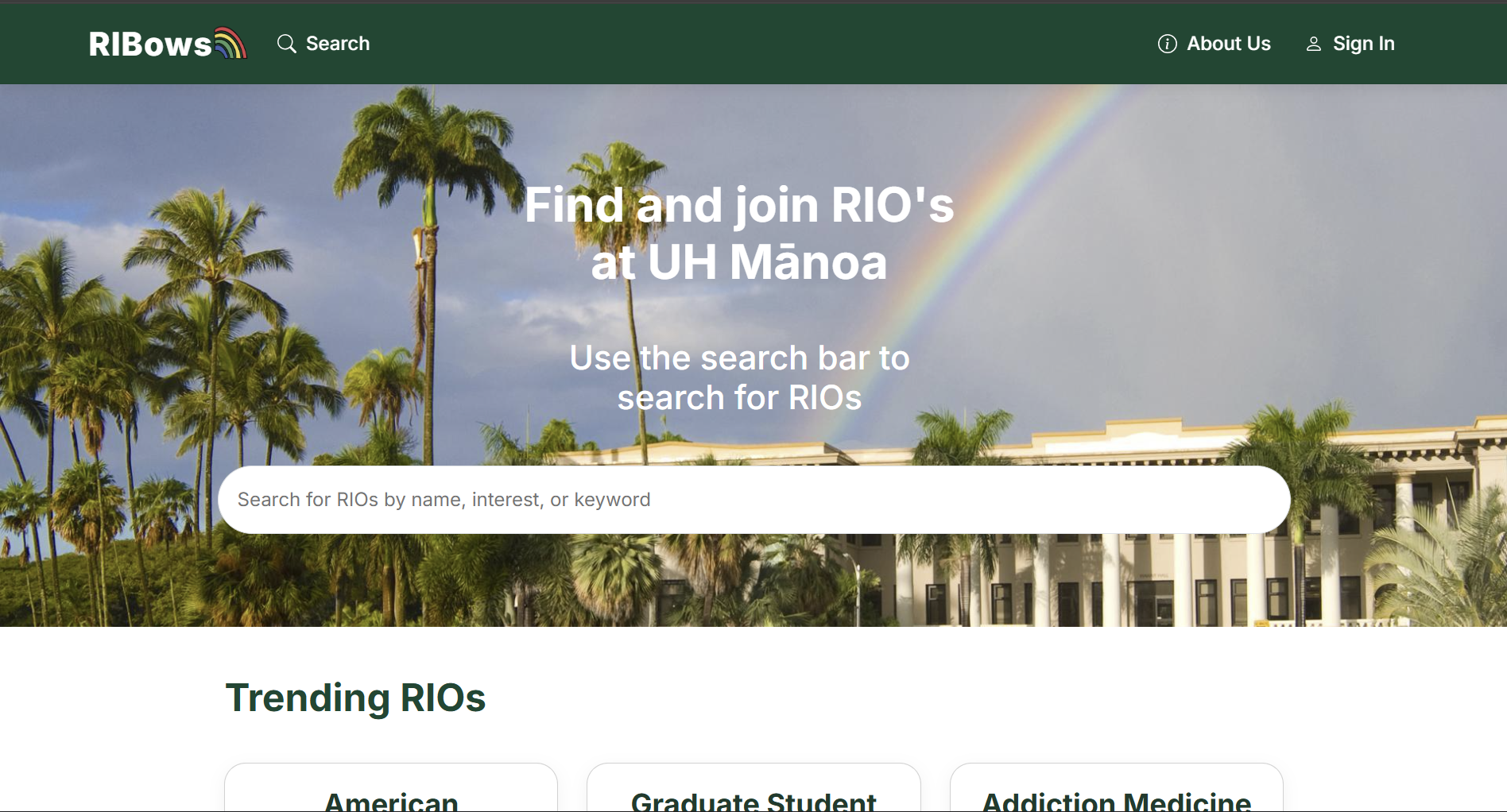
Landing Page
The landing page is presented to users when they visit the top-level URL of the site. This page explains basic usage of the website and displays currently trending RIOs.
Sign In / Sign Up Pages
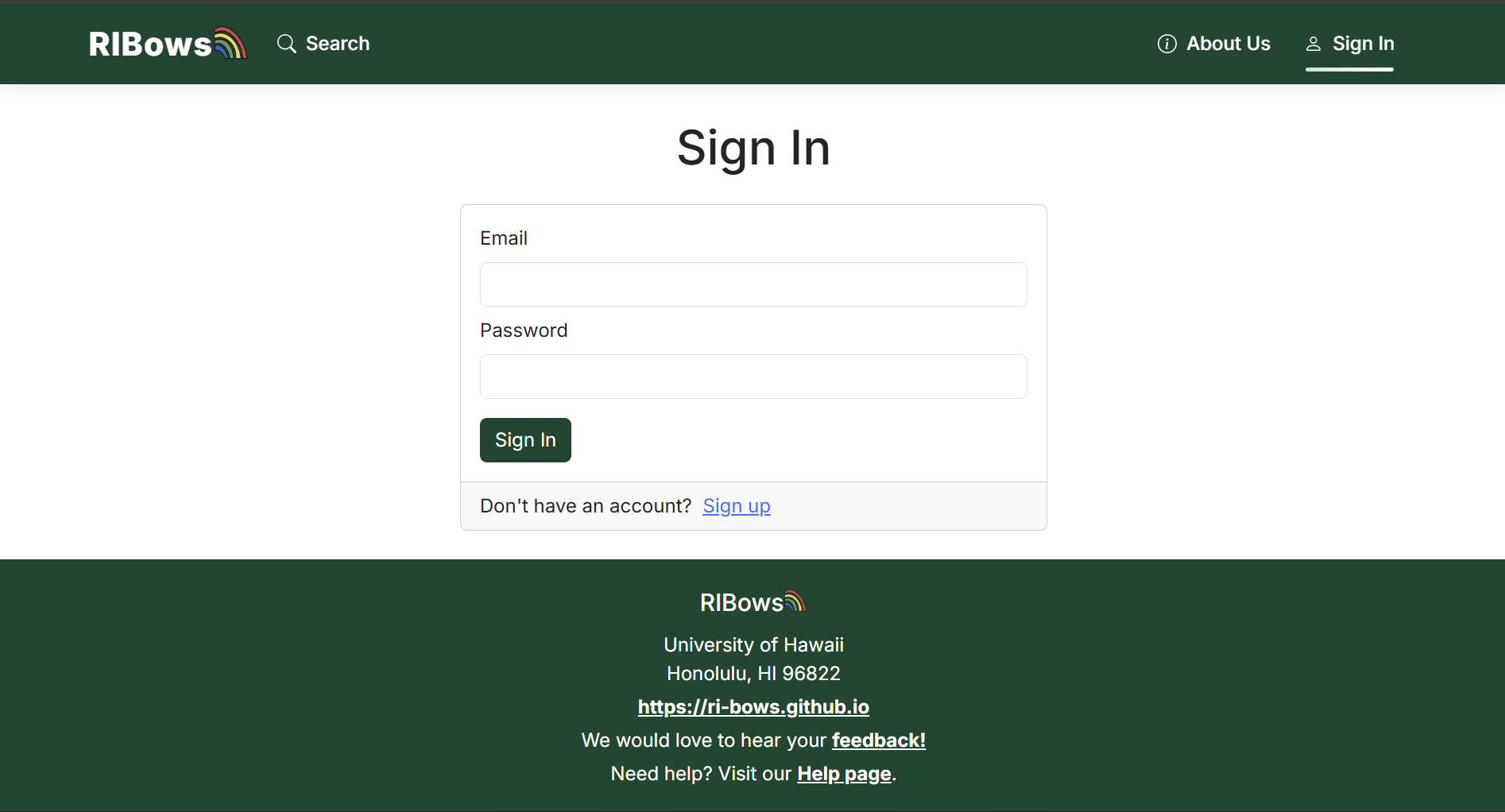
Users can access the sign in page via the “Sign In” button on the navbar. There, the user has the option to either sign in or create a new account.
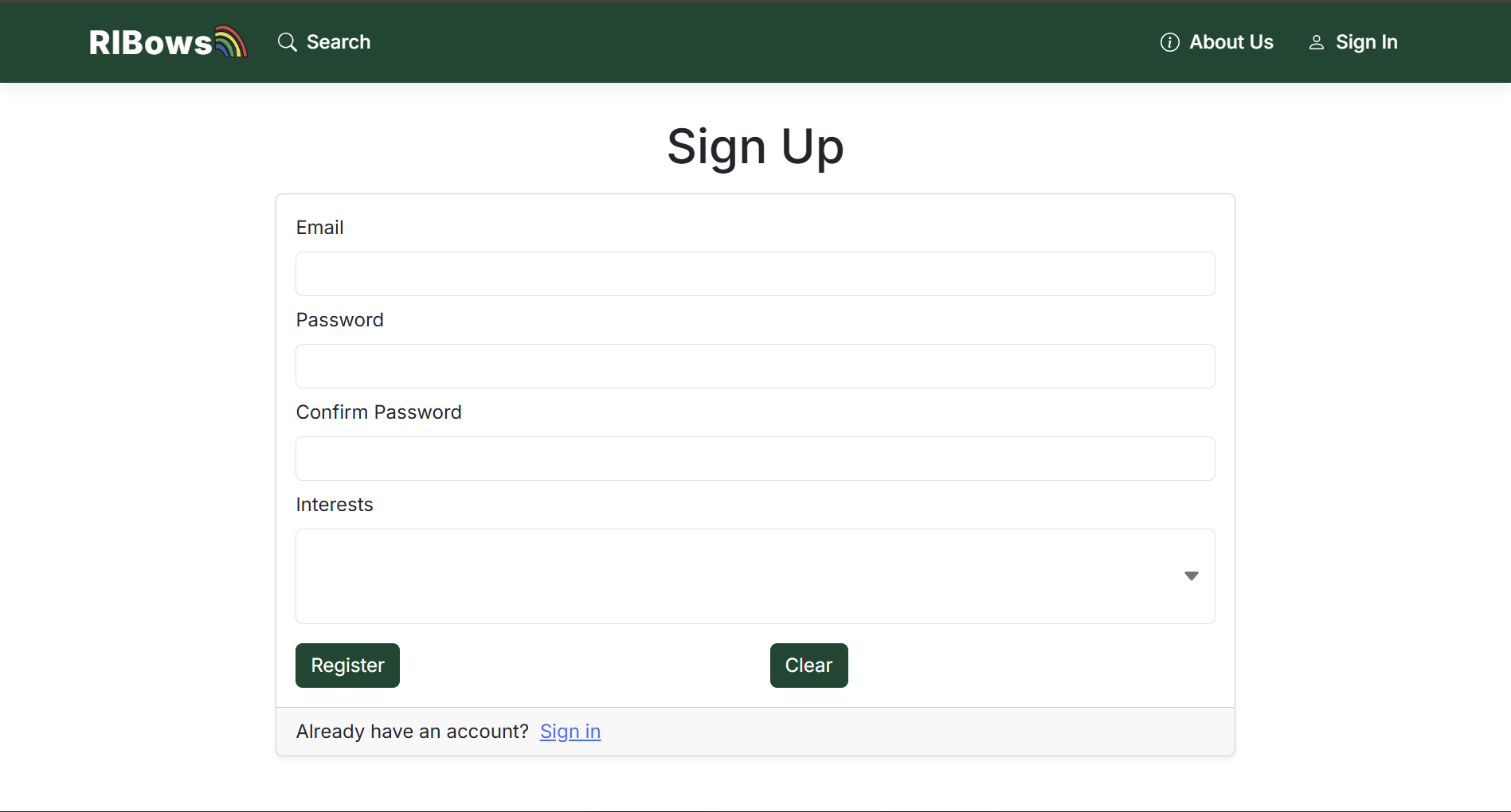
On the sign up page, users are able to create their account and specify the types of RIOs they are interested in.
Search Page
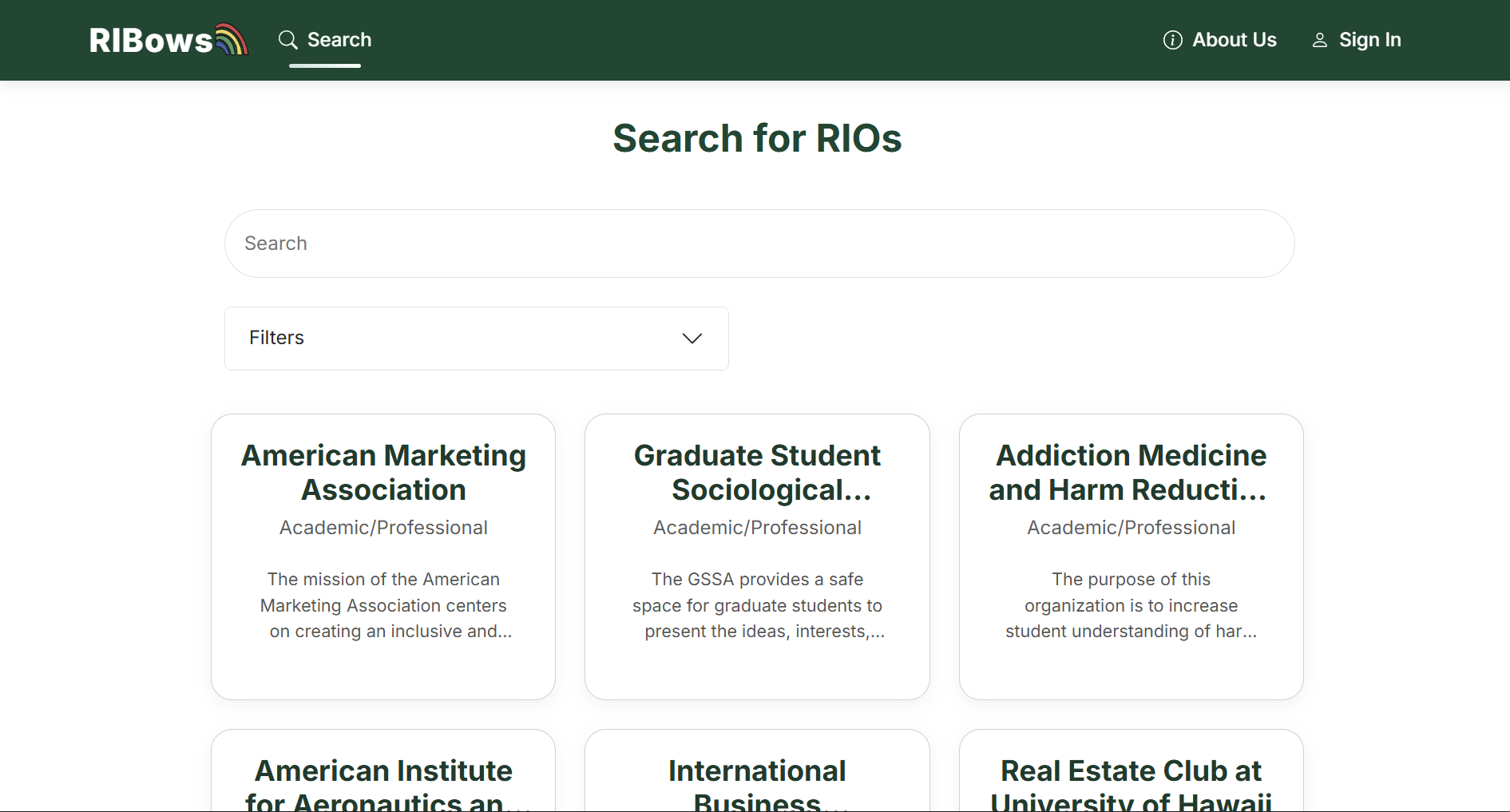
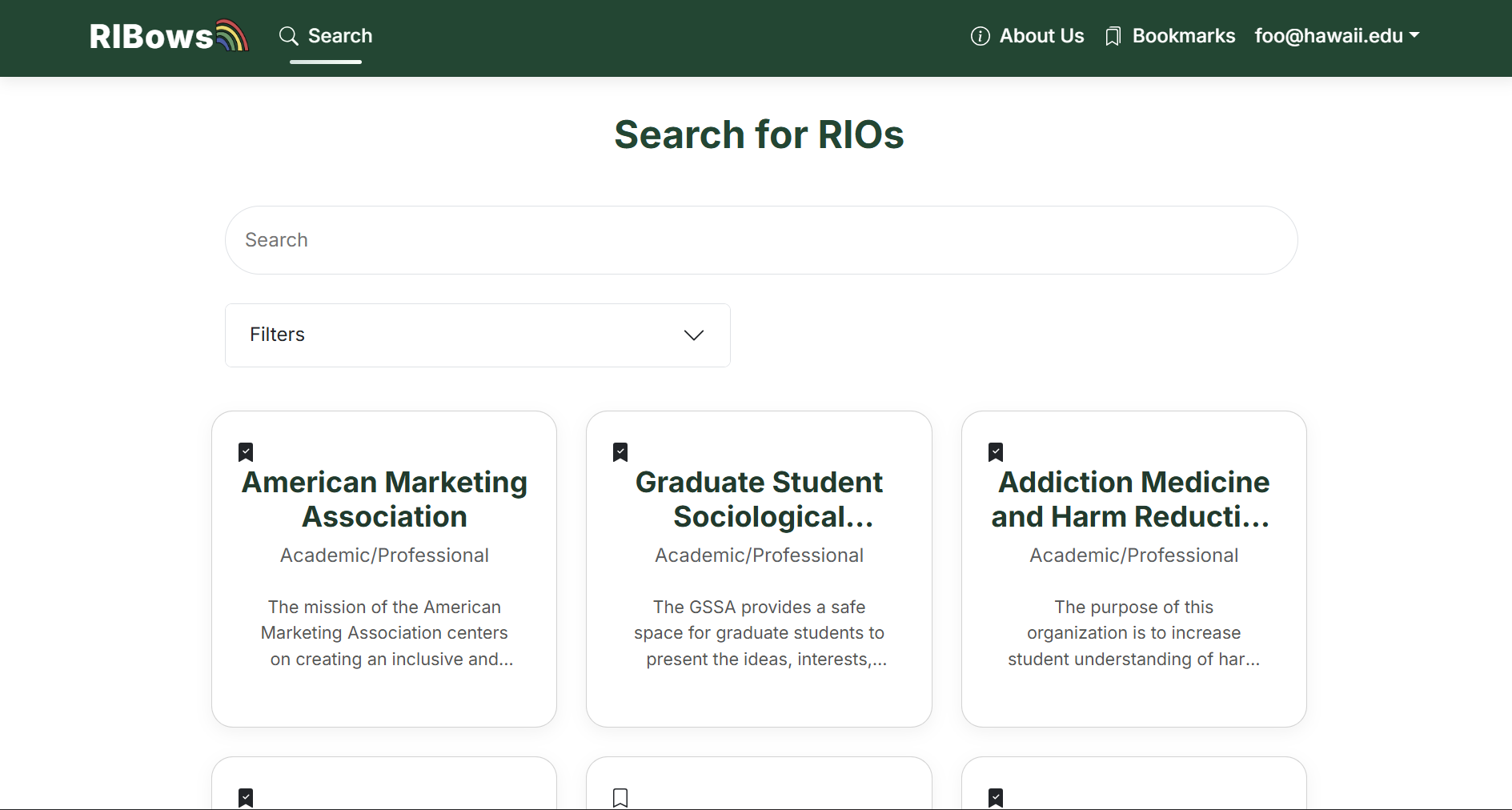
The “Search” page accessible from the navbar allows users to search for RIOs with keywords of their choice. Users also have the option to filter RIOs based on interests, date added, and more. There they can bookmark as well if they are signed in.
Not Signed In:
Signed In:
Bookmark Page
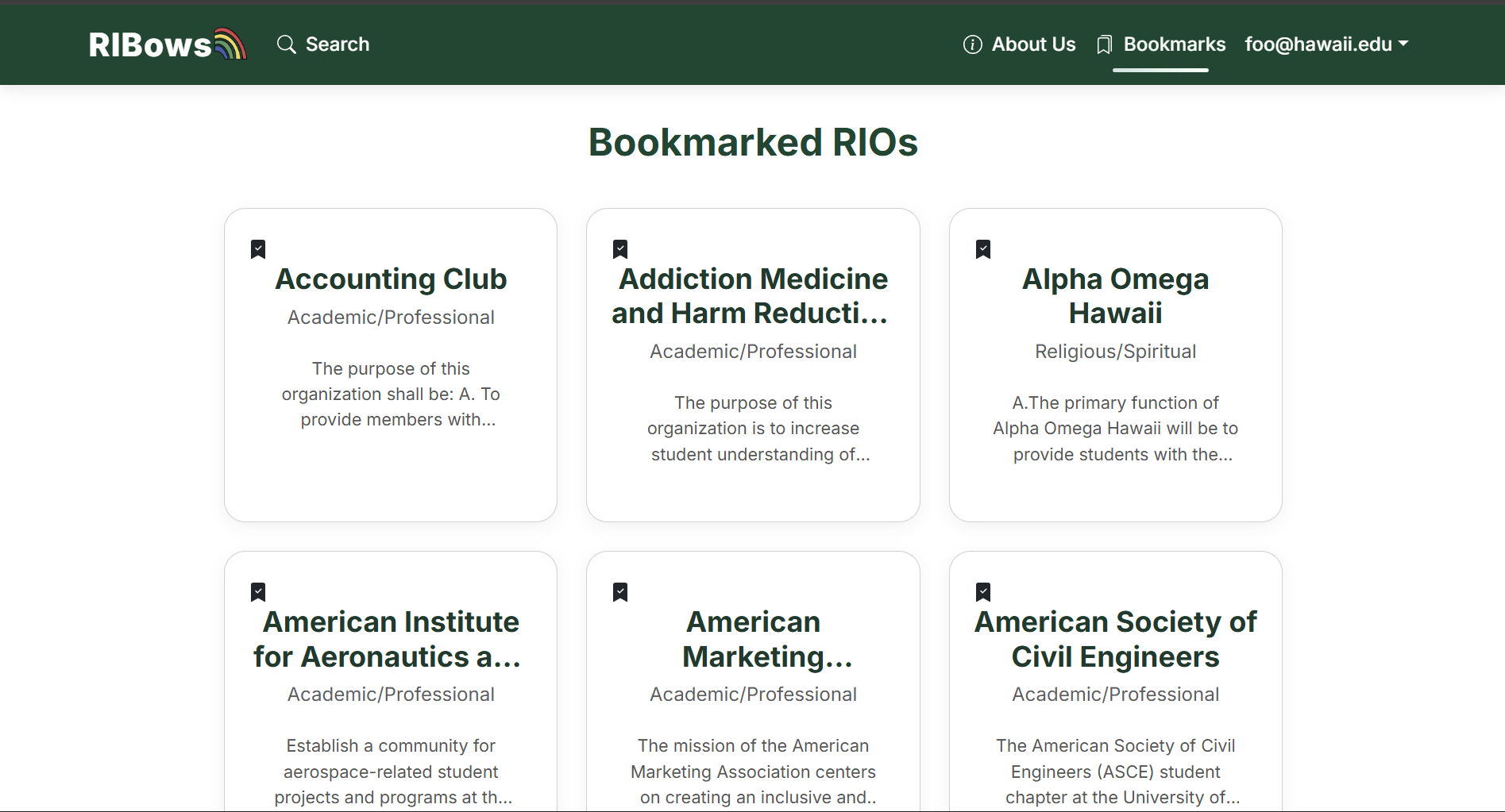
Only logged in users can view RIOs they’ve bookmarked by pressing “Bookmark” on the navbar and can save them with the bookmark button.
About Us Page
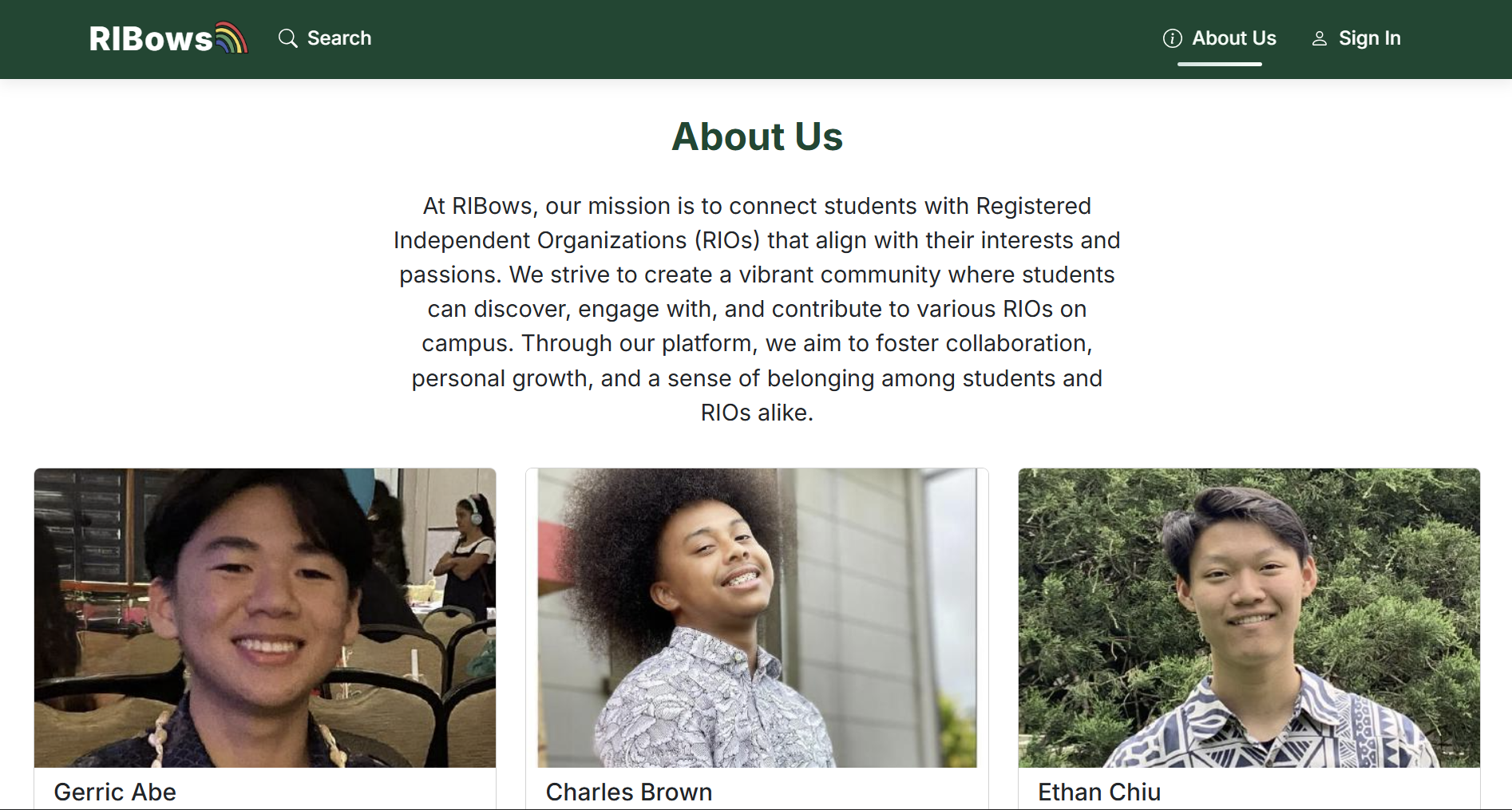
There’s also an about us page that tells you information about the creators of RIBows, which also has a link at the bottom to our feedback page.
Feedback Page
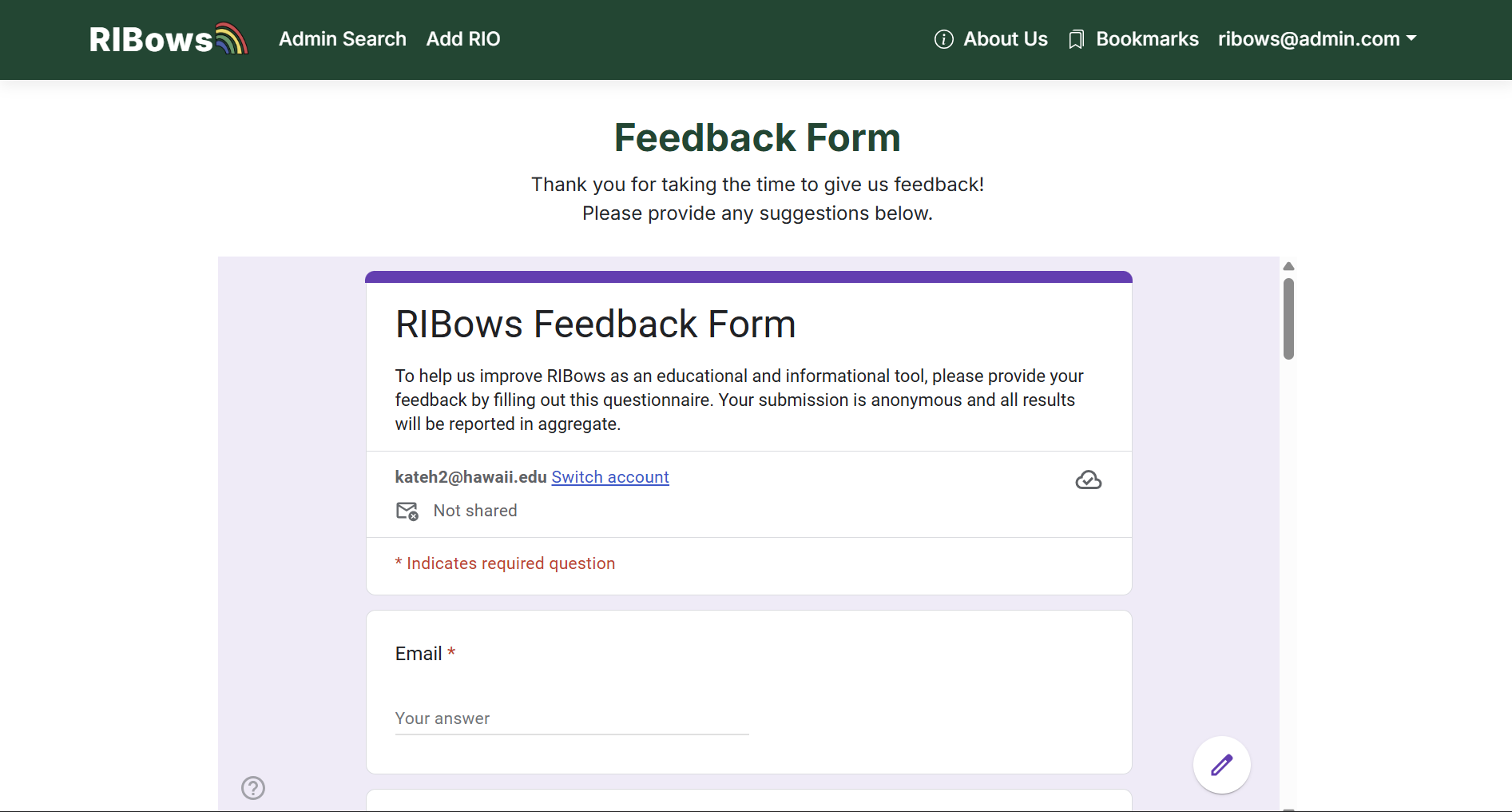
We have also added a feedback page. If the user would like, they could take a couple of minutes to fill out the RIBows Feedback Form. The form asks for the user’s email address and a text area to include feedback/improvements for our app.
Edit Profile Page
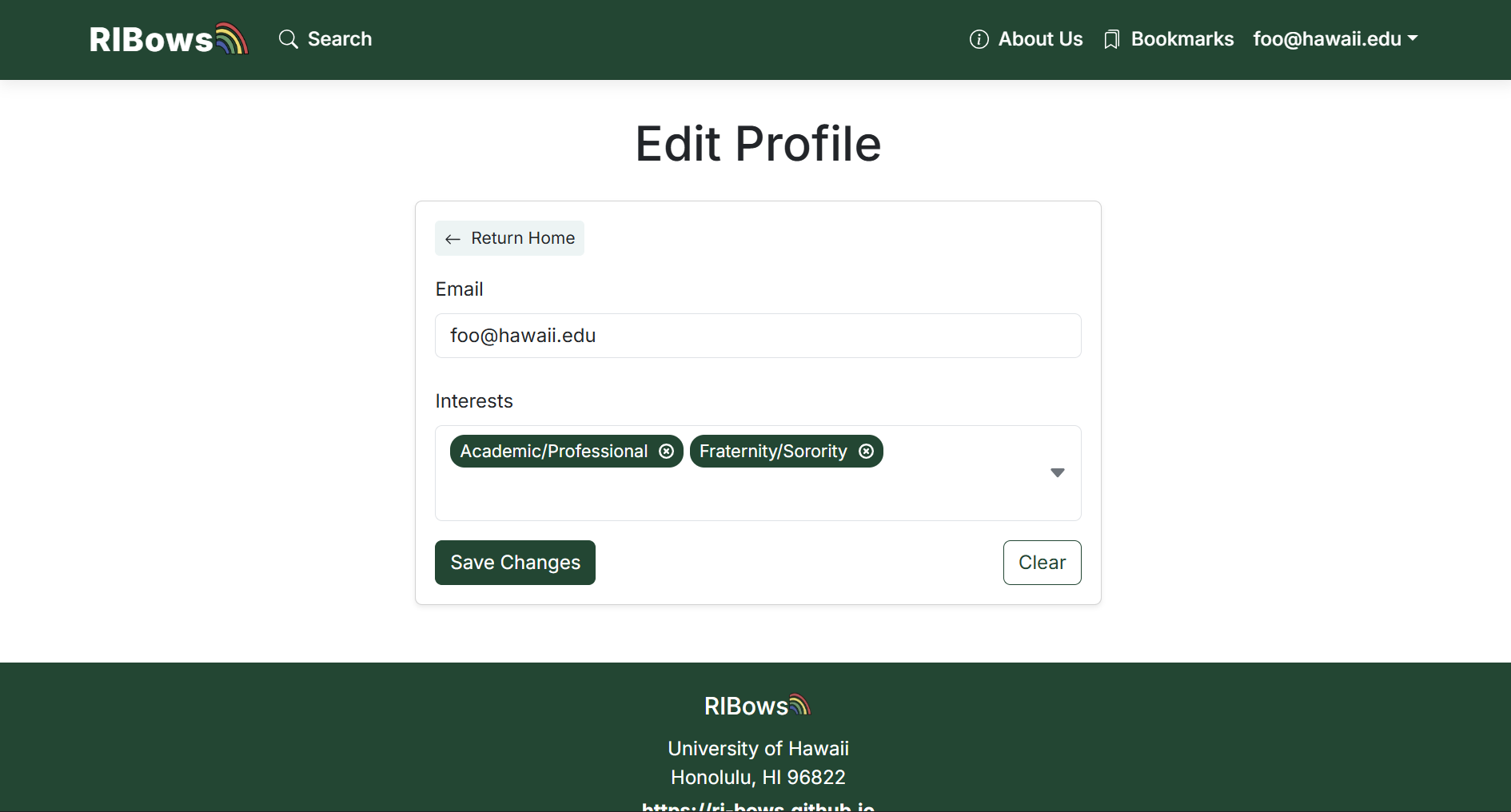
If a user wants to, they are able to edit their profile and update their first and last names, email, or change their RIO interests
RIO Account Privilages
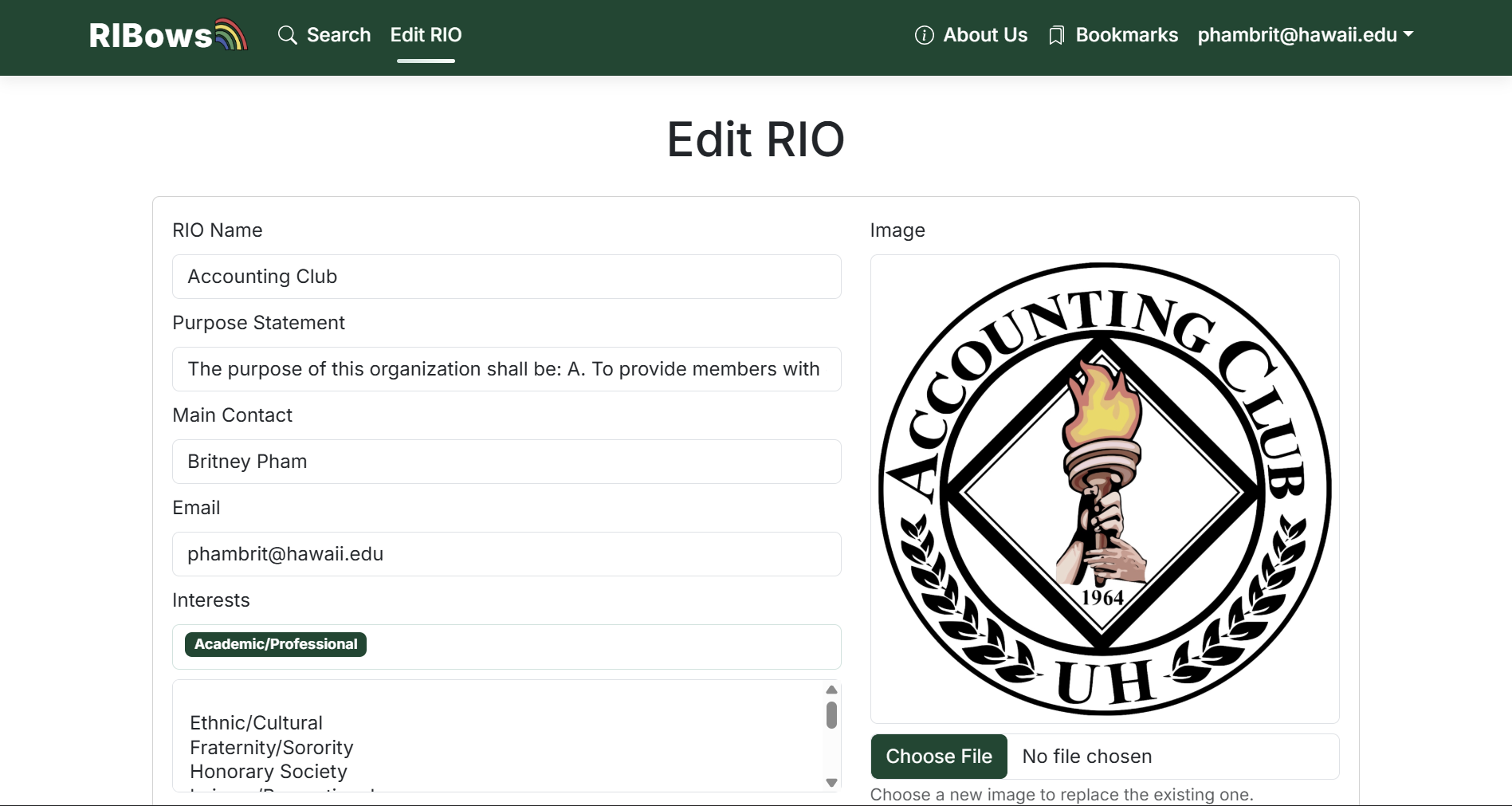
If the user is logged in a RIO account they will have access to the information that their RIO will display, so that they don’t have to go through admin to make changes.
Admin Privileges
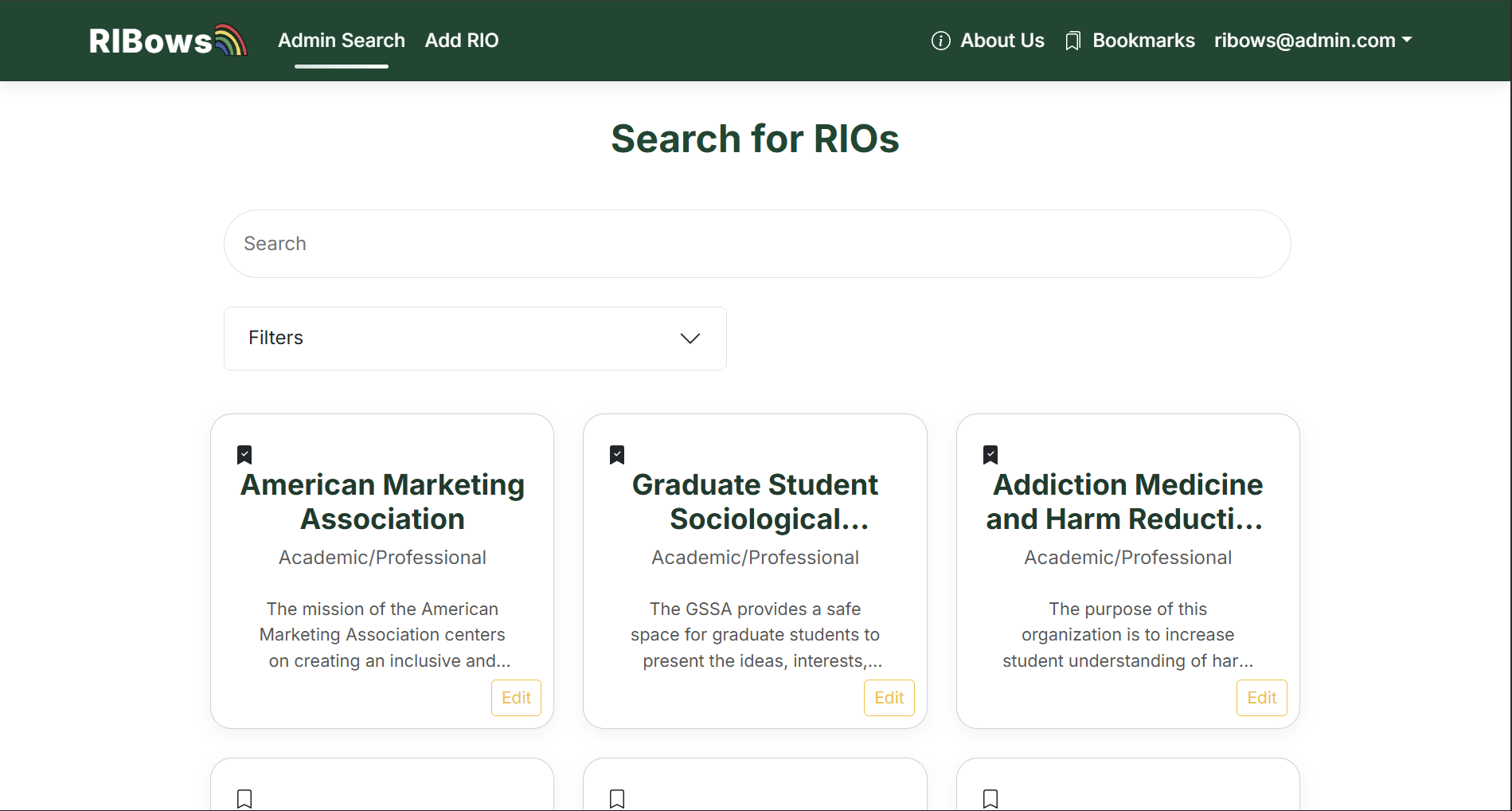
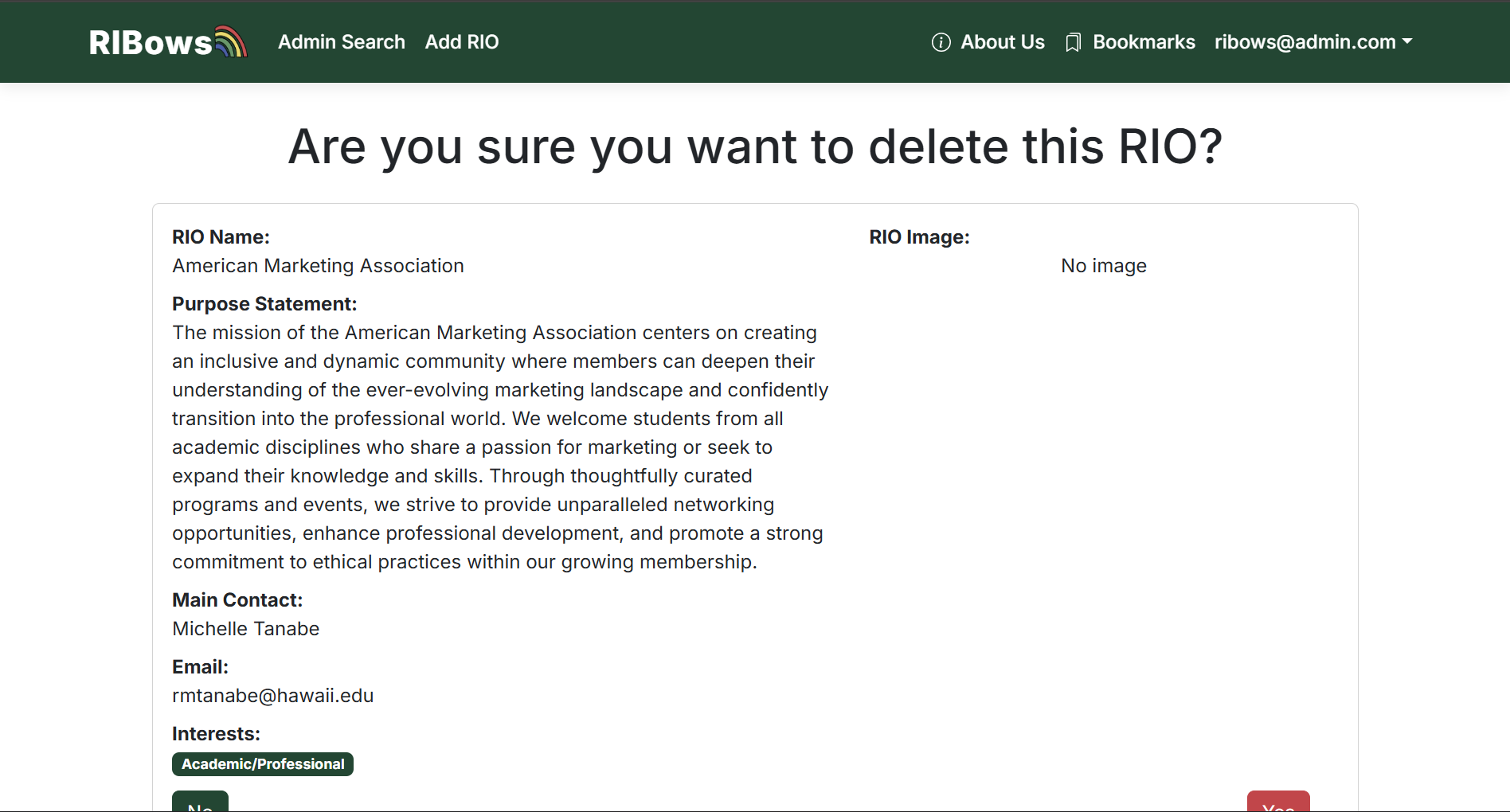
As an admin there is an Admin Search tab which allows you edit and delete any RIO. The edit page looks exactly the same as a RIO’s account’s except the admin can edit any of them.
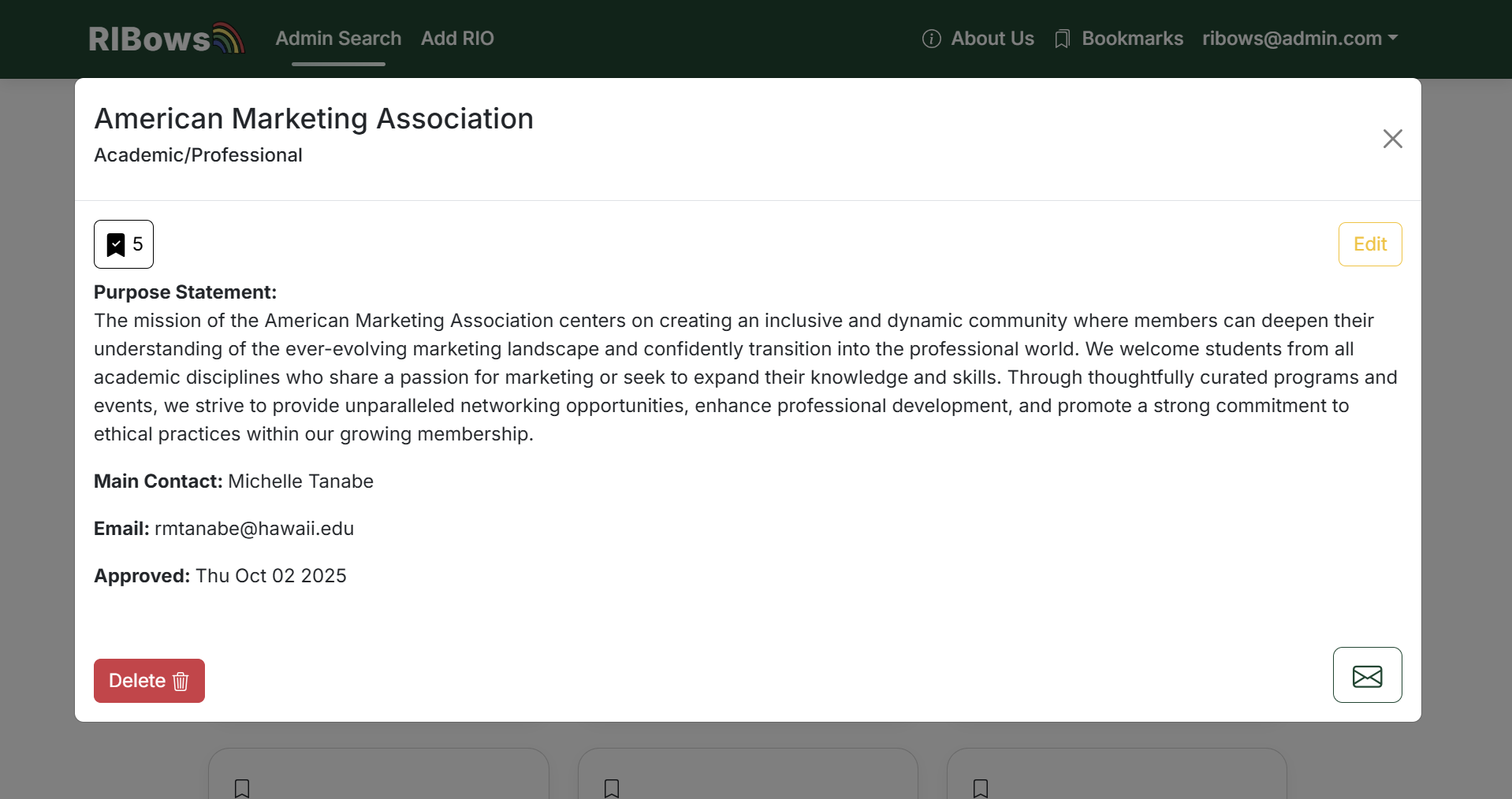
You can delete them when you click on the RIO to open up this card:
Where if you choose to delete an RIO it will take you to a confirmation page:
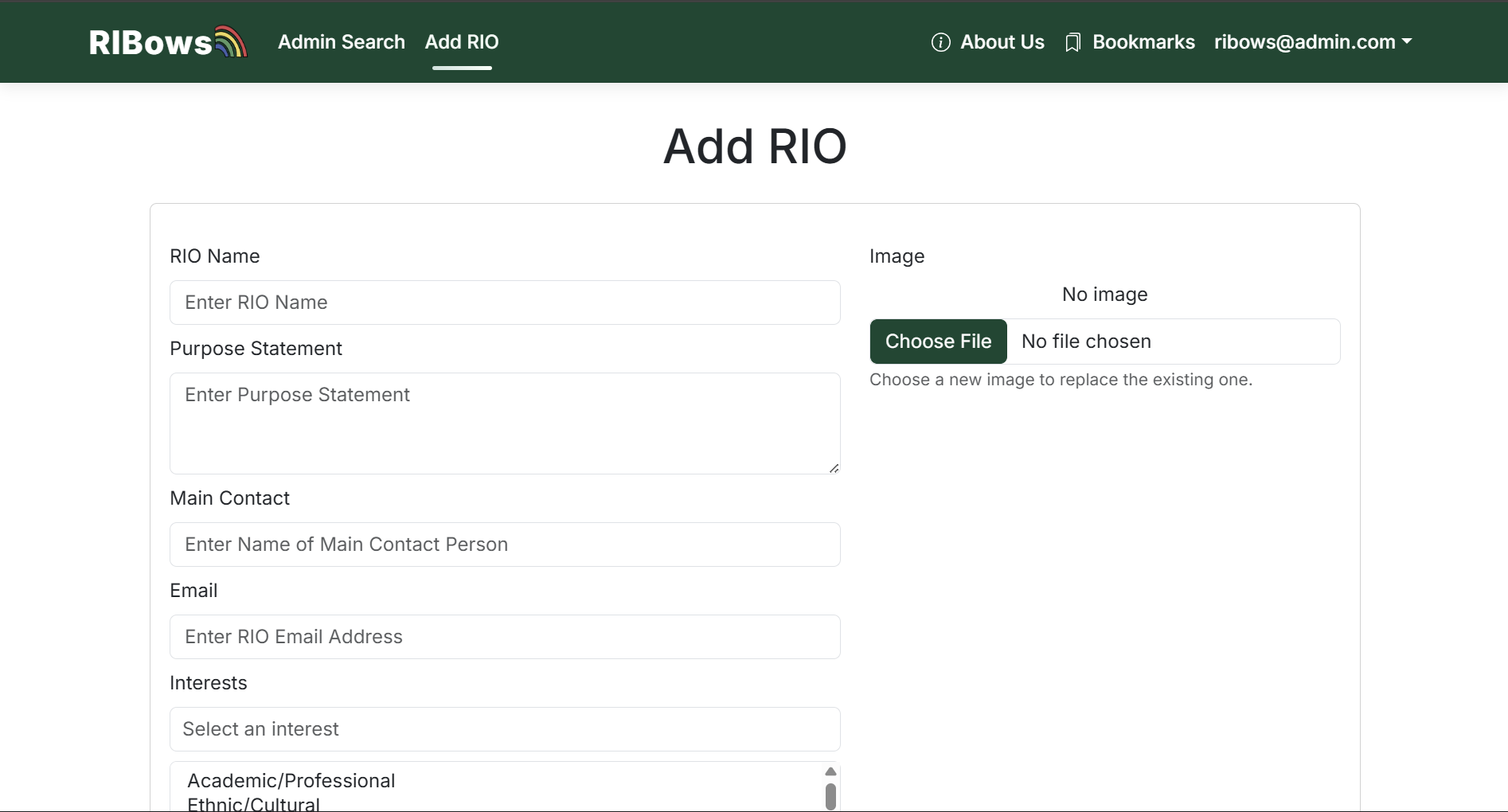
You can add RIO’s to the database:
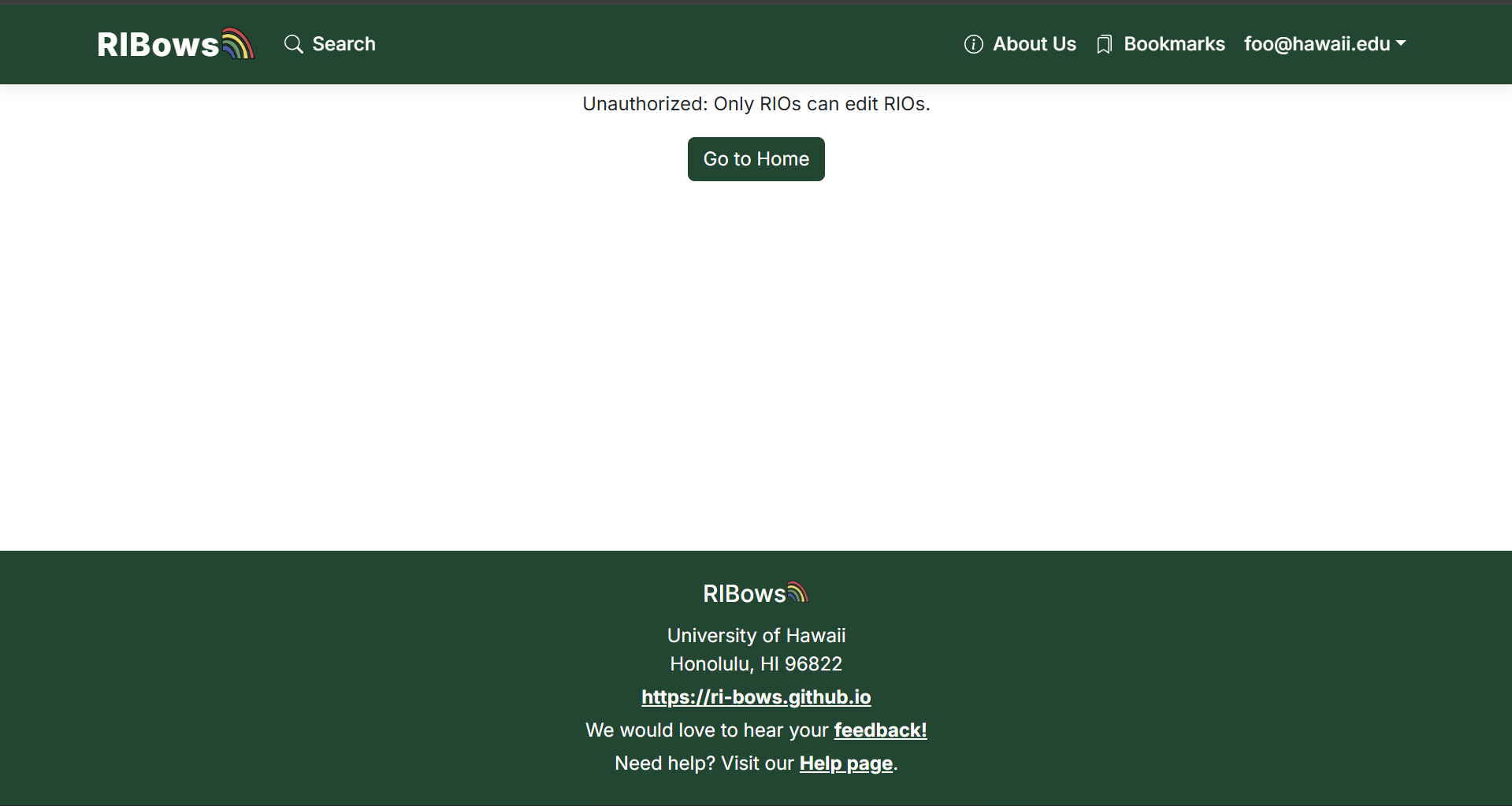
If not logged in as admin, an error page will appear:
Community Feedback
These were the responses we have so far from our feedback form. It seemed like even though many undergraduate UH students know about RIO’s they still were able to learn something new away from our website. Most of the people found it easy to navigate and find an RIO they find interesting. The only things we should change would be to create a better format for mobile and add more images. If this was actually implemented the RIO’s themselves would all add their own so in practice there would be images. Another thing that was suggested was to include links to the email or other contact information and interest form. Overall though most would use RIBows in the future because it’s much better than that spreadsheet.
Developer Guide
This section explains how to download, install, run, and modify the RIBows system.
Prerequisites
Before you begin, make sure you have:
- Git
- Node.js (v20.x recommended) and npm
- A PostgreSQL database
- We use Neon Postgres in production, but any Postgres instance works for local dev.
- A GitHub account (if you are collaborating with the RI-Bows organization)
1. Getting the source code
git clone https://github.com/RI-Bows/RIBows.git
cd RIBows
git checkout -b issue-15
2. Environment variables and database
Create a .env file in the project root with values like:
DATABASE_URL="postgresql://USER:PASSWORD@HOST:PORT/DATABASE?sslmode=require"
DATABASE_URL_UNPOOLED="postgresql://USER:PASSWORD@HOST:PORT/DATABASE?sslmode=require"
NEXTAUTH_URL="http://localhost:3000"
NEXTAUTH_SECRET="some-random-secret-string"
Install dependencies:
npm installRun Prisma migrations:npx prisma migrate dev
3. Running the app locally
npm run dev Then open http://localhost:3000.
From there you can visit the landing page, sign in with a test account (e.g. johnson@hawaii.edu).Try search, bookmarks, and admin functionality.
4. Project structure
- src/app/page.tsx – Landing page
- src/app/about/page.tsx – About Us page
- src/app/addRio/page.tsx – Admin Add RIO page
- src/app/bookmarks/page.tsx – Bookmarked RIOs
- src/app/deleteRio/page.tsx – Admin Delete RIO Confirmation page
- src/app/editProfile/page.tsx – Edit Profile page
- src/app/editRio/page.tsx – Edit RIO page
- src/app/feedback/page.tsx – Feedback form
- src/app/help/page.tsx – Help form
- src/app/search/page.tsx– Search RIOs
- src/components/ – Shared React components
- src/lib/dbActions.ts– Database helper functions
- prisma/schema.prisma – Prisma data model
- styles/globals.css – Global theme and styling
5. Making changes
Adding a new page
- Create a new folder under
src/app(e.g.about) - Add a
page.tsxfile and export a React component
Updating the Data model - Edit
prisma/schema.prisma - Run
npx prisma migrate dev -- name your_migration_name - Update any queries and UI that depend on the changed model.
6. Linting and tests
Run ESLint to catch issues before committing: npm run lint
Continuous Integration
CI badges:


RIBows uses GitHub Actions to automatically run ESLint and Playwright Tests each time a commit is made to the default branch. You can see the results of all recent “workflows” at https://github.com/RI-Bows/RIBows/actions.
The workflow definition files are quite simple and is located at .github/workflows.
Development History
Milestone 1: Mockup development
The goal of Milestone 1 was to create a minimal set of mockup pages to provide a skeleton for the final website. The page designs are still ongoing and most functionality has not been implemented.
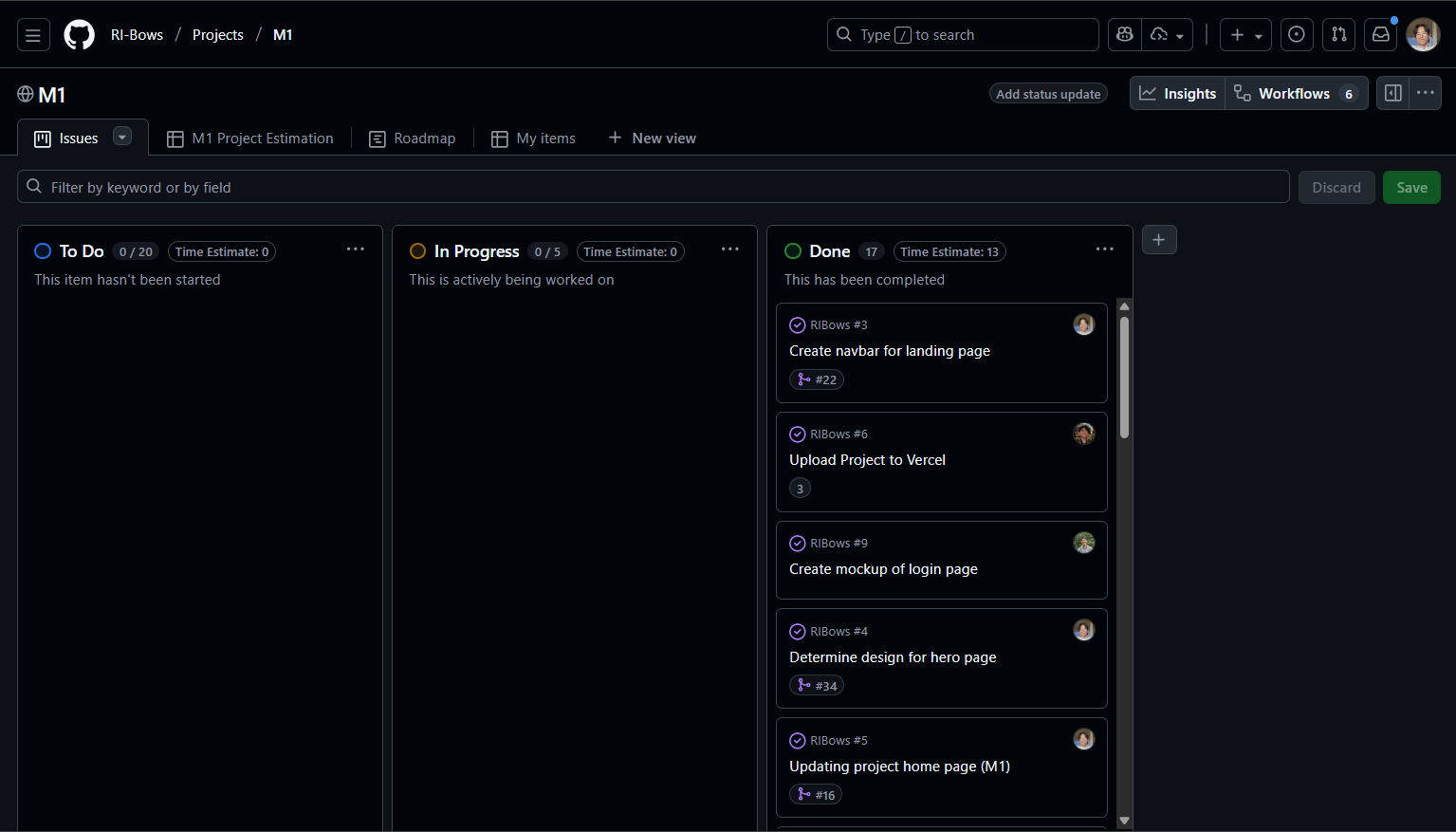
Milestone 1 was managed using RIBows GitHub Project Board M1:
Milestone 2: Database implementation
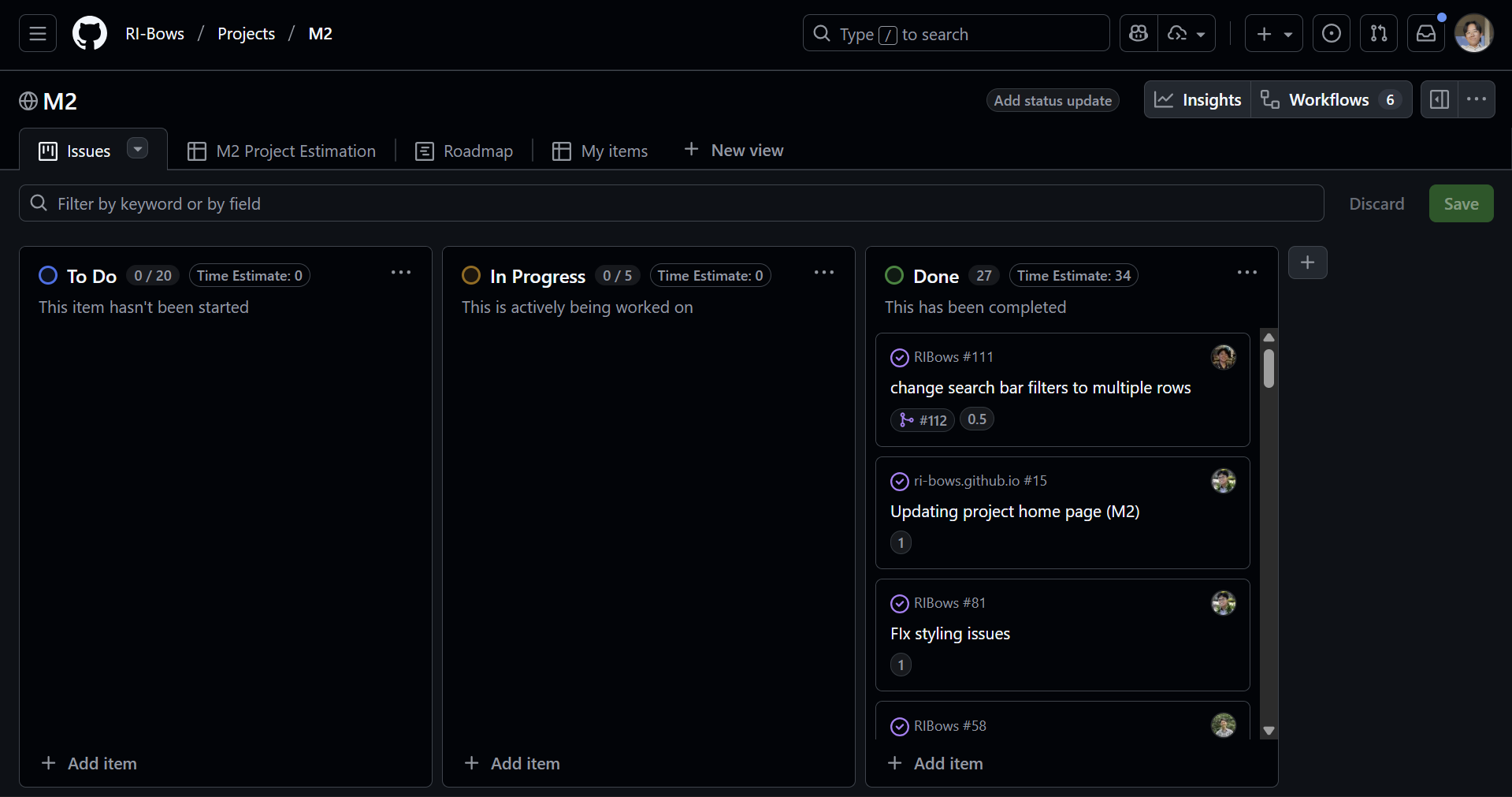
The goal of Milestone 2 was to finish up the mockup pages, connect the spreadsheet of RIOs to the database, and begin to implement database functionalities.
Milestone 2 is managed using RIBows GitHub Project Board M2
Milestone 3:
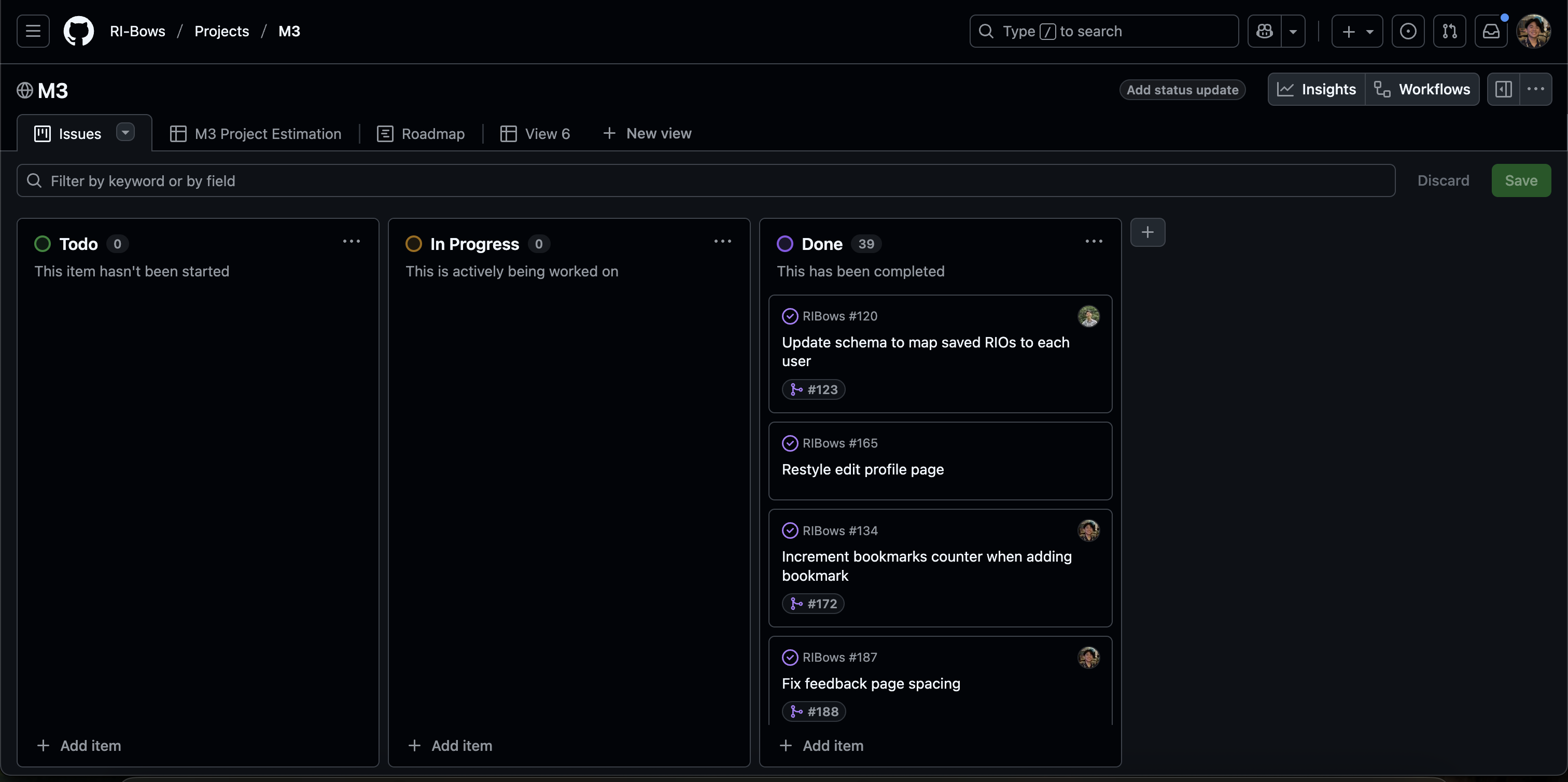
The goal of Milestone 3 was to improve our system’s functionality from M2, incorporate real data in the system, find at least 5 UH community members to try out the system and provide feedback, and implement acceptance testing.
Milestone 3 is managed using RIBows GitHub Project Board M3
Team
RIBows is designed, implemented, and maintained by UHM students Gerric Abe, Tyler Jordan Acasio, Charles Brown III, Ethan Chiu, and Kate Hamada
Here is the link to our team contract, which outlines criteria we adhere to to effectively work together and develop this website.